One sentence to a beautiful, editable diagram
An AI-powered canvas: generate and restructure from a single sentence, refine on the canvas, then export as XML, SVG, or PNG.
Upload PDFs, images, or text as context. Ask for clean structure, clearer flow, and fewer crossings.





Generate a draft. Refine on canvas. Restructure anytime.
Start with chat to generate a first draft, then adjust layout, names, and hierarchy on the canvas. When you need big changes, ask for a restructure.

Canvas Editing
Drag, align, group, and refine details until the diagram reads cleanly.
Export
Export as XML, SVG, or PNG for docs and presentations.
Clean Layout
Ask for clearer structure: fewer crossings, better spacing, cleaner hierarchy.
Context Input
Upload PDFs, images, or text so the diagram matches your actual materials.
Common diagrams, one sentence away
Get a usable first draft fast, then iterate until it’s presentation-ready.
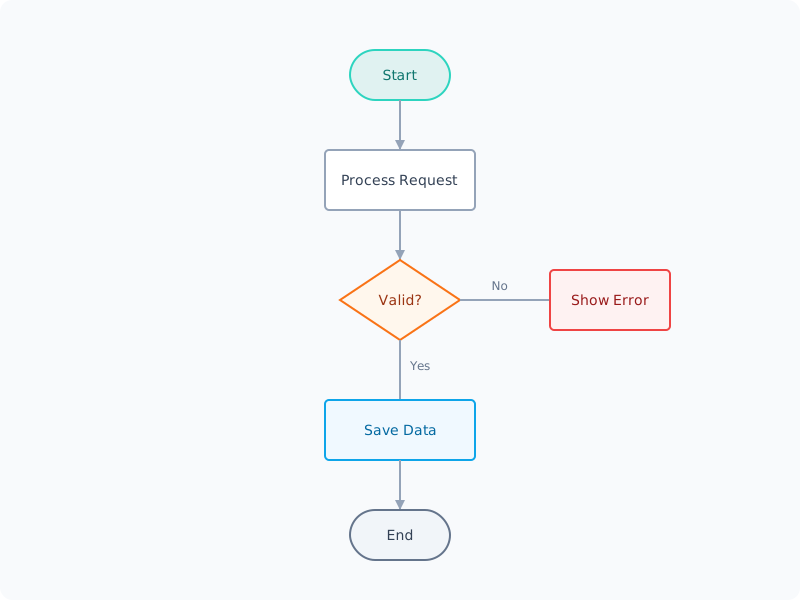
From idea to a ready-to-share diagram
Describe, generate, refine, and export — all in one place.
Capture intent
State what you want to communicate and who it’s for.
Generate a first draft
Get a structured diagram draft you can edit immediately.
Co-edit with chat
Ask for edits, rewording, hierarchy changes, and restructures.
Publish anywhere
Export as XML, SVG, or PNG for sharing and documentation.
Built for iteration
Generate, refine, and restructure — without losing progress.
Canvas editor
Edit diagrams on an infinite canvas without leaving the page.
Floating chat panel
Keep the assistant nearby and toggle it anytime (Ctrl/Cmd + B).
Document Context
Upload PDFs, images, or text to guide generation and edits.
Autolayout 2.0
Keep the diagram readable with cleaner spacing and flow.
Standard exports
Export as XML, SVG, or PNG in one click.
Version history
Every AI change is recoverable — restore any previous version.
Built for real-world iteration
Draft fast, restructure safely, and ship diagrams that read cleanly.
Context Upload PDFs, images, or text for better grounding
Upload PDFs, images, or text for better grounding
Chat Iterate in chat while refining on the canvas
Iterate in chat while refining on the canvas
History One-click restore to any previous version
One-click restore to any previous version
Export Export as XML / SVG / PNG for docs and sharing
Export as XML / SVG / PNG for docs and sharing


Frequently asked about Diagram AI
Have another question? Contact us by email.
Can't find what you're looking for? Email our support team
Start with one sentence
Generate a draft, refine on the canvas, then export as XML, SVG, or PNG.